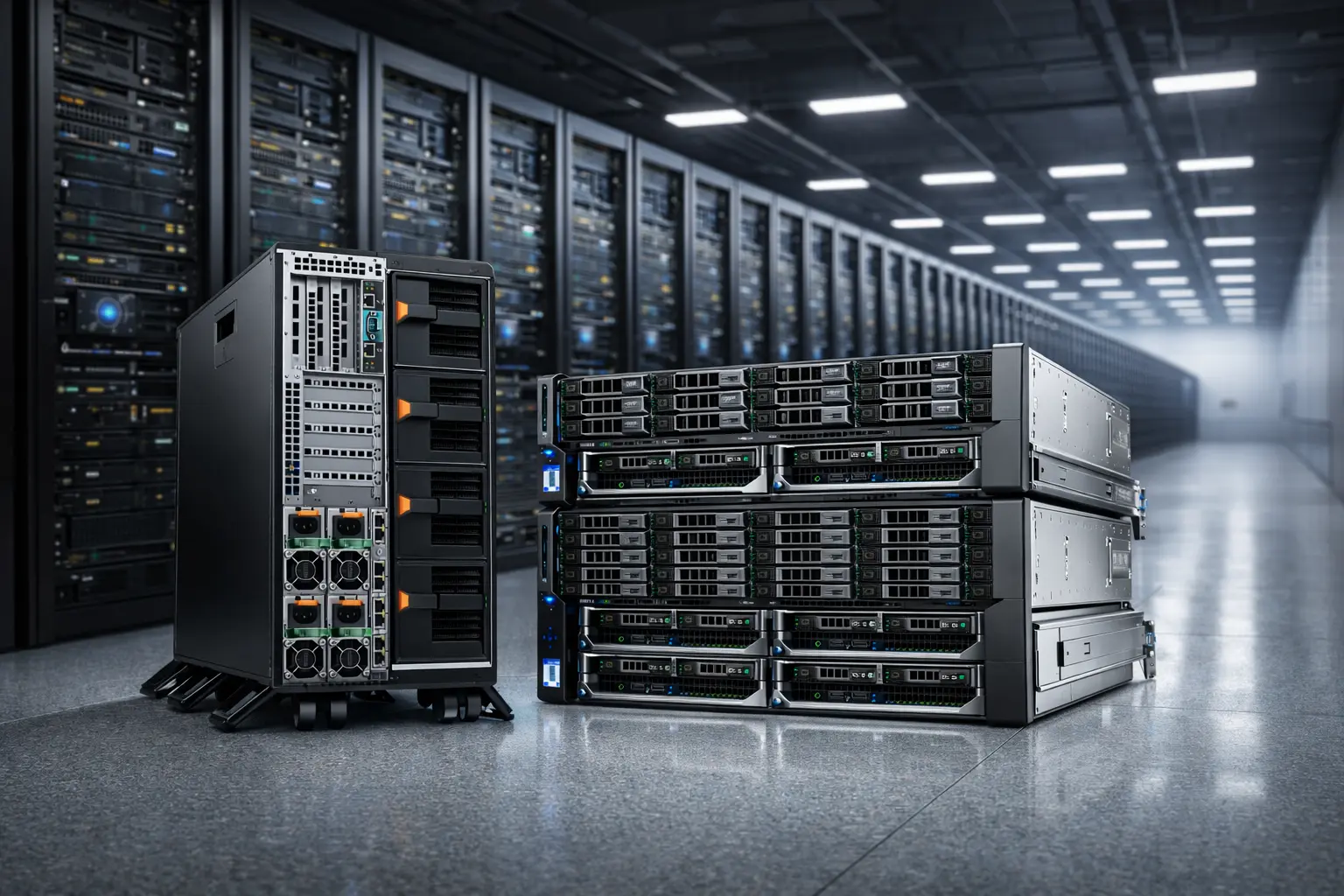
High-Performance Dedicated Servers: Intel & AMD Processors

MIG servers provide Intel & AMD dedicated servers DDR4/DDR5 memory, NVMe storage, and up to 100Gbps bandwidth across global datacenters.

mig dedicated server are redy to performe

High-End Dedicated Server CPU Options from MIG servers

Browse featured dedicated server CPUs from Intel and AMD.

CPU Name
Cores
Threads
Max Frequency
Action
intel logo

Intel Core i9-13900K

Cores 24 Cores
Threads 32 Threads
Max Frequency 5.8 GHz
intel logo

Intel Core i9-14900K

Cores 24 Cores
Threads 32 Threads
Max Frequency 6.0 GHz
intel logo

2x Intel Xeon Platinum 8480+

Cores 112 Cores
Threads 224 Threads
Max Frequency 3.80 GHz
amd logo

Ryzen 9 7950X3D

Cores 16 Cores
Threads 32 Threads
Max Frequency 5.7 GHz
Enterprise Hardware

How to Choose a CPU for a Dedicated Server

Choosing the right dedicated server CPU starts with your workload. The best fit depends on whether you need high-frequency single-core performance, high core/thread throughput, or a balanced server processor that leaves a budget for RAM and storage. Modern server CPU lineups from Intel and AMD are often offered in different profiles (high-frequency, high-density, memory-optimized) so you can match CPU characteristics to your use case

NVMe / RAID
DDoS Protection
100Gbps Bandwidth
24/7 Support

Match the CPU to Your Workload

The best CPU for a dedicated server doesn’t exist for everyone, there’s only the best CPU for your workload. Start by classifying your workload as low-latency, parallel compute, virtualized/multi-tenant, or data-heavy. This one step prevents overspending on the wrong specs and improves real-world performance.

Prioritize

  • Low-latency → higher sustained frequency and strong single-thread performance
  • Parallel compute → more cores/threads and sustained multi-core throughput
  • Multi-tenant/virtualized → predictable performance, core count, and memory headroom

High Frequency vs High Core Count

Most CPU decisions come down to one tradeoff: frequency-focused vs core-dense. If your software has a main thread (or a few hot threads), a higher-frequency CPU can feel faster than a many-core CPU. If your workload scales across many threads, core count wins.

Quick Rule

  • Favor cores/threads → If performance improves when you add more parallel jobs
  • Favor frequency and per-core responsiveness → If performance stays limited by a few tasks

Don’t Ignore Memory: DDR4/DDR5 and RAM Capacity

A dedicated server can feel slow even with a powerful CPU if memory is the bottleneck. For memory-bound workloads, DDR5 platforms are designed to address higher bandwidth needs and bring generational improvements (exact gains depend on platform and configuration).

Prioritize

  • Enough RAM capacity to avoid swapping (a common hidden bottleneck)
  • Stable memory configuration (capacity and speed that your platform supports)
  • For virtualization: RAM headroom matters as much as CPU cores

Storage and I/O: NVMe, PCIe Lanes, and Balance

For many server workloads, storage latency and concurrency can dominate performance. NVMe specifications define how host software communicates with SSD storage across transports like PCIe, and NVMe has become an industry standard for SSDs across common form factors.

Prioritize

  • NVMe SSDs for low latency and high parallel I/O
  • Enough PCIe resources for NVMe + networking without congestion
  • A balanced build: CPU + RAM + NVMe (not CPU-only upgrades)

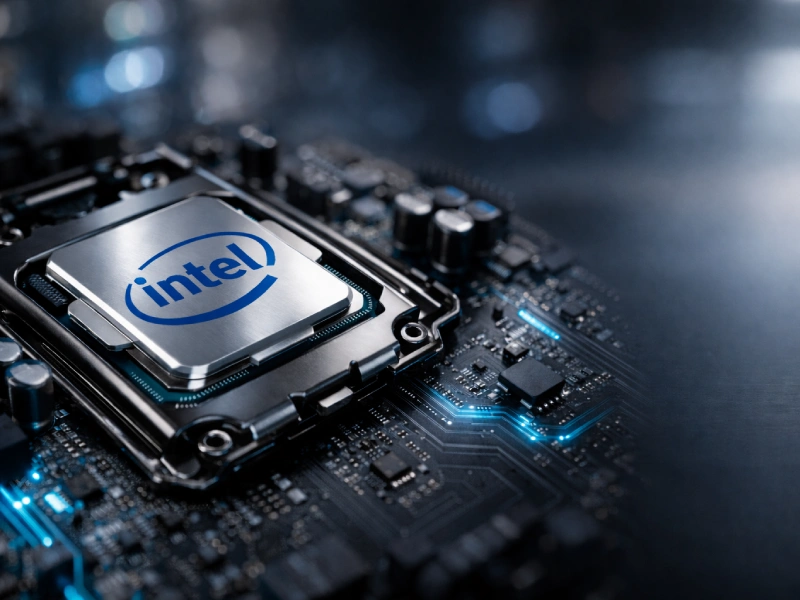
Intel CPU Dedicated Servers

Intel dedicated server CPUs are a strong choice when you want high per-core performance, consistent responsiveness under load, and great results for latency-sensitive workloads. Many customers choose Intel for use cases like game servers, high-traffic web applications, CI/CD runners, and workloads that benefit from fast single-thread execution. When selecting an Intel CPU for a dedicated server, focus on the balance between single-core performance, core/thread count, and the platform features you need—such as DDR4/DDR5 memory support, NVMe storage performance, and network options like 1Gbps to 100Gbps.

View Intel Dedicated Servers
Intel CPU Server

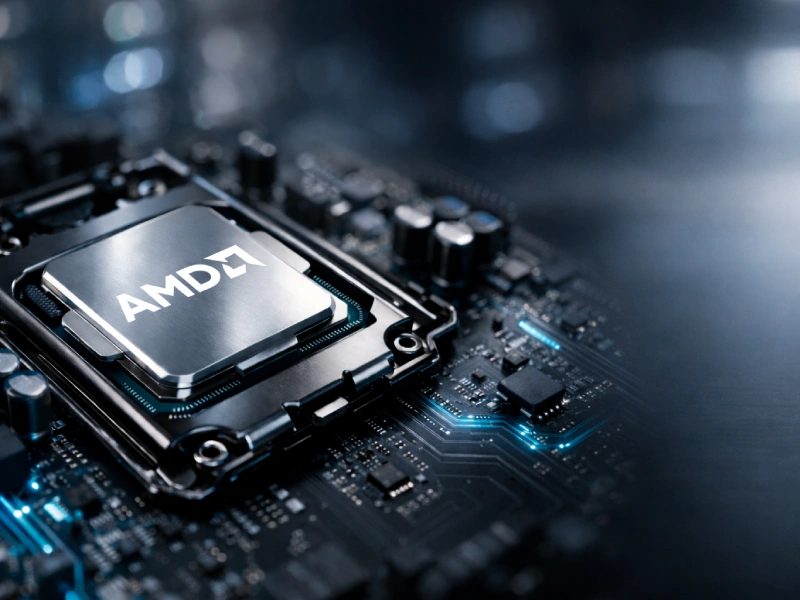
AMD CPU Dedicated Servers

AMD dedicated server CPUs, especially the AMD EPYC server family, are designed for modern data-center workloads and are commonly chosen when you need strong multi-core throughput, efficient consolidation for virtualization, and flexible platform options for memory-intensive applications. AMD positions EPYC with multiple workload-focused profiles, which helps you match the CPU to use cases like databases, simulation, and low-latency services. From a security standpoint, AMD states that EPYC CPUs are designed with security in mind and highlights AMD Infinity Guard as a set of security features intended to help protect sensitive data.

View AMD Dedicated Servers
AMD CPU Server

AMD CPU vs Intel CPU Performance Comparison

Both Intel and AMD offer x86 CPUs that can deliver excellent dedicated server performance. The practical choice depends on what your workload is limited by (single-thread latency, multi-thread throughput, memory bandwidth, I/O expansion, or VM security). The table below compares platform-level performance factors

Decision factor (user intent) What to compare Intel CPU / platform notes AMD CPU / platform notes
Low-latency / single-thread responsiveness Max turbo/boost frequency, sustained clocks, CPU scheduling behavior Intel Xeon SKUs vary by frequency and core count; compare per-SKU max turbo and all-core behavior using official specifications. AMD EPYC also offers different profiles; AMD highlights high-per-core-performance options within its EPYC 9004 portfolio.
High parallel throughput / many concurrent tasks Core/thread count, cache, sustained all-core performance Intel Xeon Scalable lineup includes many SKUs with different core counts; compare per model and generation. AMD EPYC 9004 series includes high core-count parts (the datasheet lists models up to 128 cores) for heavy parallel workloads.
Memory-bound workloads (databases, analytics, VM density) Memory channels, memory speed, DIMM limits 5th Gen Intel Xeon Scalable (platform brief) lists 8-channel DDR5 and support up to 5600 MT/s (1 DPC), with up to 16 DIMMs per socket. AMD EPYC 9004 series datasheet lists 12 DDR5 channels (DDR5 up to 4800 MT/s at 1 DPC in the table).
I/O-heavy builds (many NVMe drives, high-speed NICs, accelerators) PCIe lane count, PCIe generation, platform topology Intel 5th Gen Xeon Scalable (platform brief) lists up to 80 lanes of PCIe 5.0. AMD EPYC 9004 series datasheet lists 128 PCIe Gen 5 lanes in the table.
Confidential computing / VM-level memory protection Hardware-based VM isolation/encryption features Intel TDX is designed to protect confidential guest VMs by isolating guest state and encrypting guest memory. AMD SEV is a VM-based confidential computing approach that encrypts VM memory using a unique key per VM.
Virtualization & device passthrough CPU virtualization extensions + IOMMU/VT-d support Intel virtualization commonly uses Intel VT-x and Intel VT-d (direct I/O) for hardware-assisted virtualization and device assignment. AMD virtualization commonly uses AMD-V and AMD IOMMU for virtualization extensions and PCI device assignment.
AI/HPC instruction capability (workload-dependent) Supported ISA features, accelerators, and software stack Intel Xeon Scalable briefs list Intel AVX-512 and accelerators such as Intel AMX (availability can vary by SKU). AMD EPYC 9004 datasheet states support for AVX-512, including BFLOAT16 and VNNI instructions (as described in the datasheet text).
Storage performance baseline (NVMe) NVMe support + enough PCIe lanes for your drive count NVMe is defined to communicate with non-volatile memory over PCIe and is widely used as the SSD standard; ensure your platform has sufficient PCIe capacity for your NVMe layout. Same principle: NVMe is the protocol/standard; lane availability and platform layout determine how many high-performance devices you can attach without bottlenecks.

Frequently Asked Questions (FAQ)

Intel or AMD for a dedicated server, how do I choose?

Choose based on your bottleneck: low-latency responsiveness (frequency / per-core), parallel throughput (cores/threads), memory-bound performance (memory channels/bandwidth), or I/O expansion (PCIe lanes for NVMe/NICs). Start with workload requirements, then shortlist CPUs/platforms and validate with benchmarks relevant to your stack.

What matters more: core count or clock speed?

It depends on whether your workload scales with threads. If performance improves when you add parallel workers, prioritize cores/threads. If performance stays limited by a small number of hot threads, prioritize higher sustained frequency and per-core responsiveness.

How many cores/threads do I need for my workload?

For sizing, treat cores/threads as capacity (how many concurrent tasks you can run) rather than a universal speed number. Use your current CPU utilization (peak/95th percentile), concurrency level, and growth headroom to translate workload into core needs, then benchmark a similar environment.

Is single-core performance still important on servers?

Yes, many real workloads still have latency-sensitive paths (request handling, schedulers, game loops, build steps, queue consumers) where a few hot threads dominate response time. Even in multi-core systems, single-thread responsiveness can control perceived snappiness.

DDR4 vs DDR5: when does DDR5 actually matter?

DDR5 matters most when you’re memory bandwidth bound (analytics, virtualization density, in-memory databases). DDR5 introduces architectural changes aimed primarily at increasing bandwidth, with defined DDR5 data rates spanning 3200 MT/s up to 6400 MT/s (spec-defined range; real platform limits vary).

Why do memory channels matter for performance?

Memory channels determine how much bandwidth the CPU can pull from RAM in parallel. In many data-heavy workloads, more channels can reduce stalls and improve throughput, often more than a small CPU frequency uplift.

NVMe vs SATA SSD, does it really impact server performance?

Often, yes. NVMe was created to define how host software communicates with non-volatile memory over transports such as PCIe, and it has evolved into a common standard for PCIe SSDs in multiple form factors. Lower latency and higher parallel I/O usually benefit databases, virtualization storage, caching layers, and build pipelines.

How many PCIe lanes do I need for multiple NVMe drives and high-speed networking?

Plan PCIe before you order. A practical rule-of-thumb: an NVMe SSD is commonly x4, and a high-speed NIC (e.g., 100G-class) is often x16 (model-dependent). If you plan a lot of everything (many NVMe + fast NICs + accelerators), PCIe can become the main limiter.

Is dual-socket (2P) always faster than single-socket (1P)?

Not always. 2P helps when you need more total cores, memory capacity/bandwidth, or PCIe resources, but it also introduces NUMA topology and cross-socket latency. Many workloads run best on a strong 1P platform unless you truly need 2P scaling.

What is NUMA and why should I care?

NUMA means some CPU cores access local memory faster than remote memory attached to another socket. If an application isn’t NUMA-aware (or the platform isn’t tuned), you can see inconsistent latency and throughput. This is why 2P planning should include topology, CPU pinning, and memory placement strategy.

Can I use a desktop CPU in a dedicated server?

Sometimes, but there are tradeoffs. Practical guidance from server-hardware selection guides is that you may lose server-focused features (ECC/RAS depending on platform), validated compatibility, and higher RAM ceiling; desktop CPUs are sometimes chosen only where maximum low-latency performance matters and server-grade features are not required.

What virtualization features should I look for (especially for passthrough)?

For stable device passthrough and isolation, I/O virtualization and IOMMU capability matter. Intel VT-d is specified as Intel’s directed I/O virtualization technology, and AMD publishes an IOMMU specification for its I/O virtualization architecture. (Exact availability depends on CPU + motherboard + BIOS settings.)

What is confidential computing, and what are SEV and TDX?

Confidential computing aims to protect data-in-use (e.g., VM memory) from the host/hypervisor in multi-tenant environments. AMD describes SEV as a VM-based confidential computing approach using one key per VM to isolate guests. Linux kernel documentation describes Intel TDX as protecting confidential guest VMs by isolating guest state and encrypting guest memory.

Are benchmark scores enough to choose a server CPU?

No, benchmarks are useful, but servers are a system: memory, storage, networking, PCIe topology, and OS/hypervisor settings can dominate performance. Use benchmarks to confirm a shortlist, then validate with workload-representative tests (or at least similar profiles).

How do I validate CPU compatibility for my stack (OS, hypervisor, drivers)?

Confirm (1) platform support matrix (motherboard/BIOS), (2) ECC/RAS needs, (3) IOMMU/VT-d for passthrough, and (4) lane allocation for NVMe/NICs. This prevents work on paper builds that bottleneck on I/O or memory expansion later.

Choose Your Dedicated Server CPU

Compare Intel and AMD dedicated server CPUs and pick the right option for your workload gaming, virtualization, databases, or CI/CD. View available configurations with DDR4/DDR5, NVMe storage, and high-bandwidth networking.

⚙️ View CPU Server Configs
100% Dedicated Resources